The Side Quest
Turn every new tab into a wallpaper you actually picked.

The Side Quest in 4 steps
No setup, no account. Install and go.
- 1
Install The Side Quest
Add it to Chrome from the Web Store — no account, no setup screen.
- 2
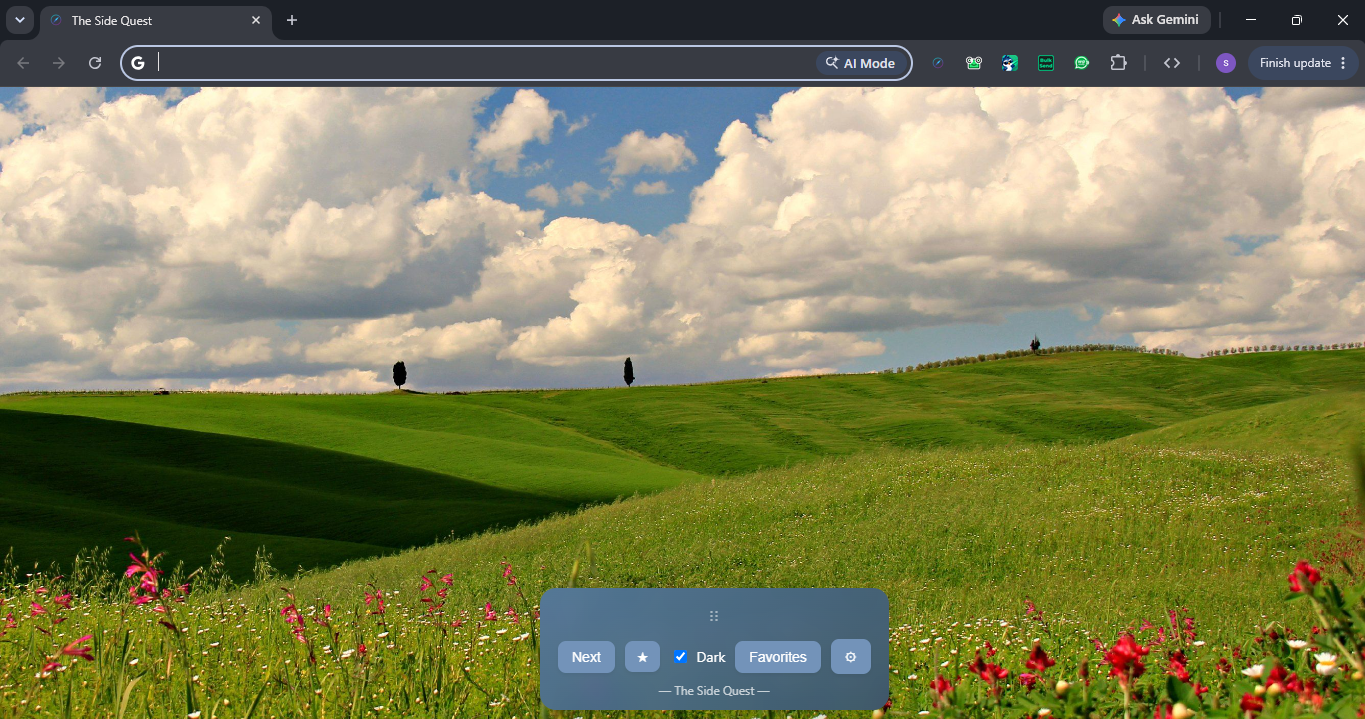
Open a new tab
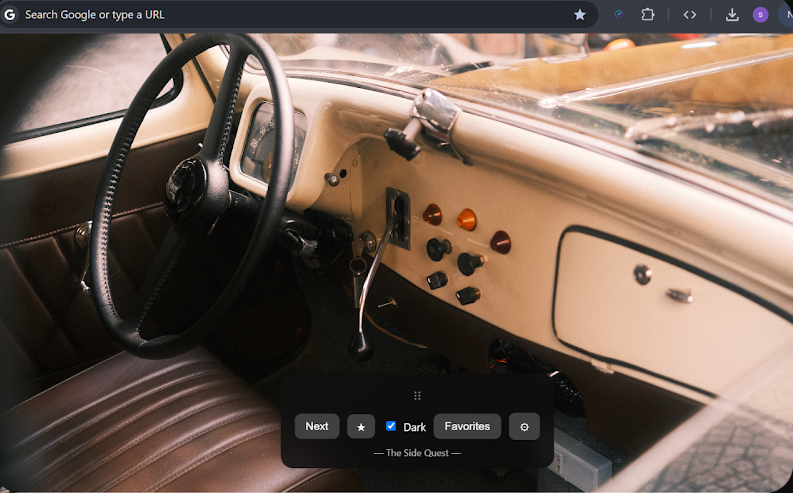
Comes with a bundled starter collection, so there’s something to look at immediately.
- 3
Build your own collection
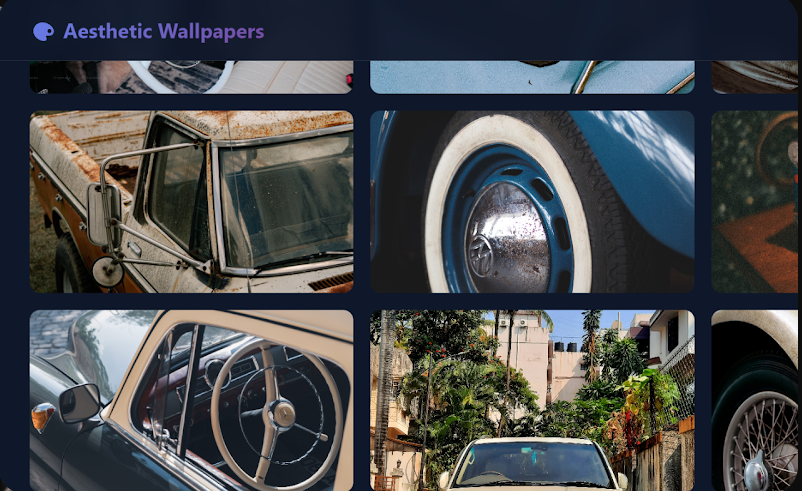
Extract images from a Pinterest board or Unsplash, or upload your own photos and videos.
- 4
Make it yours
Set auto-rotation, dark mode, toolbar style, and favorite the wallpapers you want to keep seeing.
Everything you need, nothing you don’t
Real wallpapers and videos, not stock filler
Pull images straight from Pinterest boards or Unsplash, or upload your own — photos and videos both work.
Auto-rotates on your schedule
Set it once and every new tab cycles through your collection automatically, or hit Next whenever you feel like a change.
Organize into collections
Group wallpapers by mood or theme and switch your whole new-tab look in one click from the settings panel.
Dark mode and dynamic theming
Toggle dark mode outright, or let the toolbar’s colors adapt to match whatever wallpaper is currently showing.
A toolbar that stays out of the way
Pick the theme, position and size — including a compact mode — so the controls fit how you actually use a new tab.
Favorite the ones you don’t want to lose
Star a wallpaper mid-rotation and it’s saved to Favorites, so a great find never gets cycled away for good.
The core stays free — forever
Pro raises the limits — for bigger exports, not more frequent ones. Cancel anytime.
Free
Free forever$0
Everything, free forever — there is no paid tier.
- Unlimited wallpapers and videos
- Pinterest and Unsplash import, plus your own uploads
- Auto-rotation, dark mode, and dynamic theming
- No account or sign-up, ever

Your data never leaves your browser
- No account, no sign-in, ever — there’s nothing to create or log into.
- The Side Quest runs no server of its own — your collection and settings live only in your browser.
- Pinterest and Unsplash content is fetched directly by your browser, the same as visiting either site yourself.